Architecture Note: Hub-and-Spoke Connectivity with IBM Cloud Transit Gateway
Learn how to implement a hub-and-spoke network topology using IBM Cloud Transit Gateway to reduce peering complexity, centralize egress, and manage multi-VPC routing.
10 Nov 2025, 20:58 UTC
The Problem: Peering Complexity and Egress Fragmentation
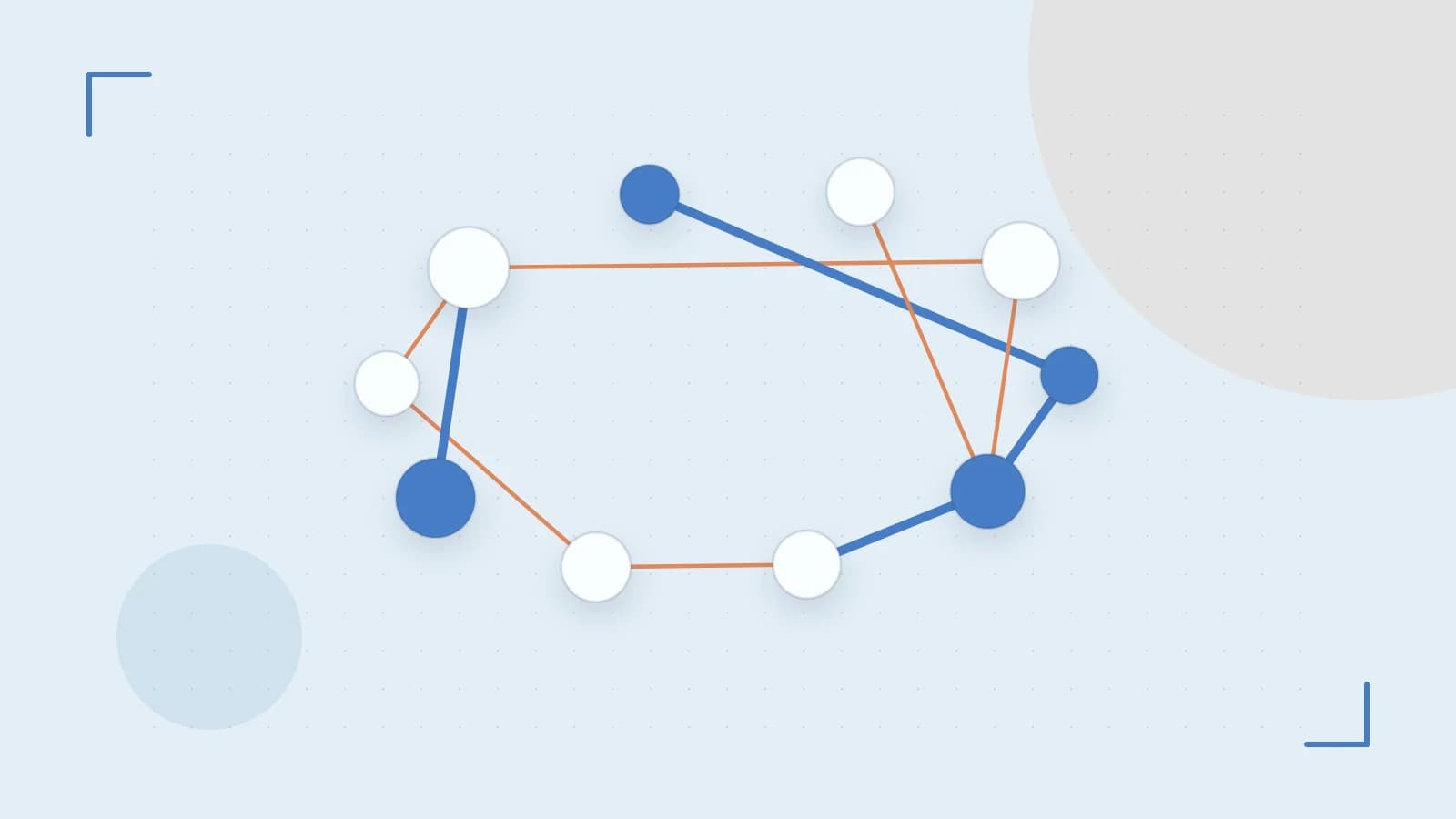
As an organization scales its footprint in IBM Cloud, connecting multiple Virtual Private Clouds (VPCs) often leads to a "full-mesh" peering nightmare. In a full-mesh setup, every VPC must maintain a direct peering connection to every other VPC. If you have five VPCs, you need ten peering connections; at ten VPCs, you need 45. This creates significant administrative overhead and makes centralizing egress traffic—such as routing all internet-bound traffic through a single security inspection VPC—nearly impossible.
The takeaway: Use a Transit Gateway (TGW) to move from a mesh to a hub-and-spoke architecture. This centralizes routing, simplifies the addition of new VPCs, and provides a single point of entry for on-premises connectivity via Direct Link.
The Smallest Suitable Design
The minimal viable architecture for a hub-and-spoke model consists of one Hub VPC and multiple Spoke VPCs. The Transit Gateway acts as the cloud router that bridges these boundaries.
- The Hub VPC: Contains shared services (e.g., Active Directory, monitoring tools) and the egress gateway (Zonal Public Gateway or Direct Link).
- The Spoke VPCs: Isolated environments for specific applications or business units.
- Transit Gateway Attachments: The logical connection between the TGW and each VPC.
Configuration Example: Connecting Two Spokes via Hub
To establish this, you must configure the Transit Gateway and then update the route tables in every involved VPC. Assume the following CIDR blocks:
| Component | CIDR Block |
|---|---|
| Hub VPC | 10.0.0.0/16 |
| Spoke A | 10.1.0.0/16 |
| Spoke B | 10.2.0.0/16 |
Step 1: Create Attachments
Run these commands via the IBM Cloud CLI (with operator or editor permissions) to attach the VPCs to the Transit Gateway:
# Attach Spoke A to TGW
ibmcloud is tgwa create --name attachment-spoke-a --tgw-id <TGW_ID> --vpc-id <SPOKE_A_VPC_ID>

# Attach Spoke B to TGW
ibmcloud is tgwa create --name attachment-spoke-b --tgw-id <TGW_ID> --vpc-id <SPOKE_B_VPC_ID>
Step 2: Update Route Tables
Routing is not automatic. You must manually add routes to the VPC route tables to direct traffic toward the TGW:
- In Spoke A: Add a route for
10.2.0.0/16(Spoke B) and10.0.0.0/16(Hub) pointing to the Transit Gateway. - In Spoke B: Add a route for
10.1.0.0/16(Spoke A) and10.0.0.0/16(Hub) pointing to the Transit Gateway. - In Hub: Add routes for both
10.1.0.0/16and10.2.0.0/16pointing to the Transit Gateway.
Trust and Data Boundaries
The Transit Gateway handles the routing (the path), but it does not handle security (the permission). Traffic isolation is maintained at the VPC level using Security Groups.
A common mistake is assuming the TGW acts as a firewall. It does not. If Spoke A needs to talk to Spoke B, you must still configure the Security Group on the destination Virtual Server Instance (VSI) in Spoke B to allow the specific IP range of Spoke A. The TGW simply ensures the packet arrives at the correct VPC boundary.
Operational Checks and Verification
To verify the connectivity is functional and following the intended path, perform these checks:
- Attachment Status: Run
ibmcloud is tgwa list. Ensure the status for all attachments isavailable. - Path Validation: From a VSI in Spoke A, run a traceroute to a VSI in Spoke B:
The output should show a hop through the Transit Gateway internal IP before reaching the destination.traceroute 10.2.0.10 - Bidirectional Test: Always test the return path. If Spoke A can ping Spoke B, but Spoke B cannot ping Spoke A, you likely have a missing route in Spoke B's route table.
Failure Modes and Design Pivots
Asymmetric Routing
This occurs when a packet takes the TGW to reach a destination, but the destination attempts to send the response via a different path (like a direct VPC peer or a different gateway). This usually results in the connection being dropped by stateful firewalls or security groups. Fix: Ensure route tables are mirrored across all spokes.
Overlapping CIDRs
If Spoke A and Spoke B both use 10.1.0.0/16, the Transit Gateway cannot route traffic between them. This is a hard failure. Fix: You must re-address one of the VPCs or implement complex NAT (Network Address Translation) gateways, which adds significant latency and cost.
When to Pivot Away from TGW
The Transit Gateway is ideal for management and shared services, but it introduces a small amount of latency and costs based on data processing volume. You should pivot back to Direct VPC Peering if:
- Two specific VPCs have extremely high throughput requirements (TB/hour) where TGW processing costs become prohibitive.
- The application is latency-sensitive (e.g., high-frequency database replication) and requires the absolute shortest path between two points.
Rollback Procedure
To revert this configuration and isolate the VPCs again:
- Remove the routes pointing to the Transit Gateway from the VPC route tables.
- Delete the Transit Gateway Attachments using
ibmcloud is tgwa delete --id <ATTACHMENT_ID>. - Delete the Transit Gateway instance.
 ibm
ibm0 replies
A thoughtful contribution can make all the difference. Be the first to share one.