Architecting for High Concurrency with the Tomcat NIO Connector
Learn how to use the Tomcat NIO Connector to prevent thread exhaustion and manage thousands of concurrent keep-alive connections without crashing your JVM.
25 Jan 2026, 17:56 UTC
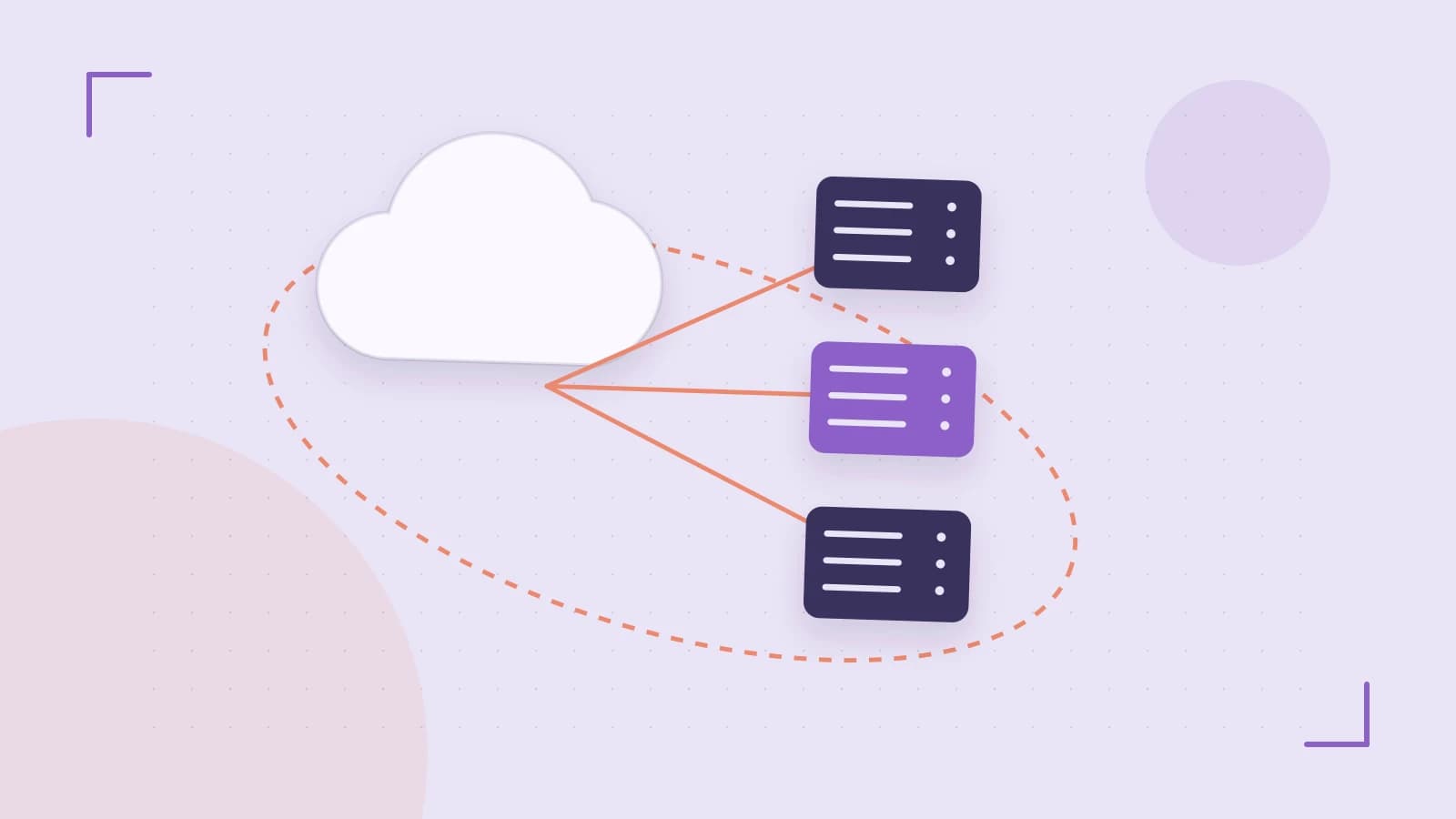
The Problem: Thread Exhaustion under Keep-Alive Load
In traditional blocking I/O models, each TCP connection requires a dedicated worker thread for its entire lifecycle. When clients use HTTP Keep-Alive to reuse connections, threads remain occupied even when no data is being transmitted. This leads to thread exhaustion, where the server cannot accept new requests despite having low CPU utilization, simply because all available threads are waiting on idle sockets.
The takeaway: Use the NIO (Non-blocking I/O) Connector to decouple connection maintenance from request processing, allowing a small number of threads to manage thousands of concurrent connections.
The Smallest Suitable Design
The NIO architecture introduces a Poller thread to act as an intermediary between the network socket and the worker pool. Instead of a thread waiting for data, the Poller uses the operating system's selector mechanism (such as epoll on Linux) to notify the server only when a socket actually has data ready to be read.
Core Components
- Acceptor: A single thread that listens for new TCP connections and hands them off to the Poller.
- Poller: Monitors multiple sockets. When a socket becomes readable, the Poller packages the event and submits it to the Executor.
- Executor (Worker Pool): A pool of threads that perform the actual HTTP parsing and execute the servlet logic. Once the response is sent, the thread returns to the pool, while the connection is handed back to the Poller.
Trust and Data Boundaries
Data enters the system as raw bytes from the socket. The NIO Connector manages internal buffers to transition these bytes into an HttpServletRequest object. This boundary is critical: the Poller handles the "untrusted" raw network stream, while the Worker thread handles the "structured" request.
To prevent memory exhaustion from oversized requests, boundaries are enforced via the maxPostSize and maxHttpHeaderSize attributes. If a request exceeds these limits, the Connector terminates the connection before it reaches the application logic, protecting the JVM heap from allocation spikes.
Configuration and Implementation
To implement the NIO Connector, verify the server.xml configuration. Ensure the protocol is explicitly set to the NIO implementation.
<!-- Run this change in server.xml; requires restart of the Tomcat service -->
<Connector port="8080"
           protocol="org.apache.coyote.http11.Http11NioProtocol"
           connectionTimeout="20000"
           maxThreads="200"
           maxConnections="10000"
           acceptCount="100" />
Parameter Logic and Risks
| Attribute | Purpose | Risk of Misconfiguration |
|---|---|---|
maxThreads |
Maximum worker threads for active requests. | Too high: Excessive context switching and RAM usage. |
maxConnections |
Max TCP connections the server accepts. | Too high: May exceed OS file descriptor limits (ulimit). |
acceptCount |
OS queue length for requests when all threads are busy. | Too low: Clients receive "Connection Refused" immediately. |
Operational Checks and Failure Modes
The primary failure mode for NIO is Worker Pool Saturation. This occurs when the Poller is efficiently accepting connections, but the Worker threads are blocked by slow backend databases or external APIs. The result is a growing queue of requests that eventually time out.
Diagnostic Verification
To verify the health of the connector, use JMX (Java Management Extensions) to monitor the ThreadPool MBean. Run these checks during peak load:
- Check
currentThreadsBusy: If this value consistently equalsmaxThreads, your application is bottlenecked by processing logic, not connection handling. - Check
currentThreadsCount: Ensures the pool is scaling as expected.
Rollback Procedure
If the NIO Connector causes instability (e.g., unexpected behavior with specific legacy load balancers), revert the protocol attribute in server.xml to HTTP/1.1 (which defaults to the BIO/blocking connector in older versions) and restart the service.
Conditions for Design Change
The NIO design is sufficient for most high-concurrency web apps. However, you should consider moving to the NIO2 (Asynchronous I/O) connector or a different architecture if:
- You require true asynchronous file I/O for large static assets.
- You are handling extremely long-lived connections (e.g., WebSockets) where the number of concurrent connections exceeds 20,000 per node.
- You are utilizing a JVM version where
epolloptimization is not fully leveraged by the standard NIO implementation.
 tomcat
0 replies
A thoughtful contribution can make all the difference. Be the first to share one.