Architecting Deterministic Builds with the Xcode Build System
Learn how the Xcode build system uses Directed Acyclic Graphs (DAGs) to manage dependencies and how to prevent non-deterministic builds through explicit input/output declarations.
28 Sept 2025, 12:40 UTC
The Problem: Non-Deterministic Incremental Builds
In large-scale Xcode projects, developers often encounter "phantom" build errors—bugs that persist despite code changes or disappear only after a full Product > Clean Build Folder. This usually stems from a mismatch between the project's declared dependency graph and the actual filesystem state, causing the build system to skip necessary compilation steps or execute them in an incorrect order.
The Core Architecture: The Build Graph
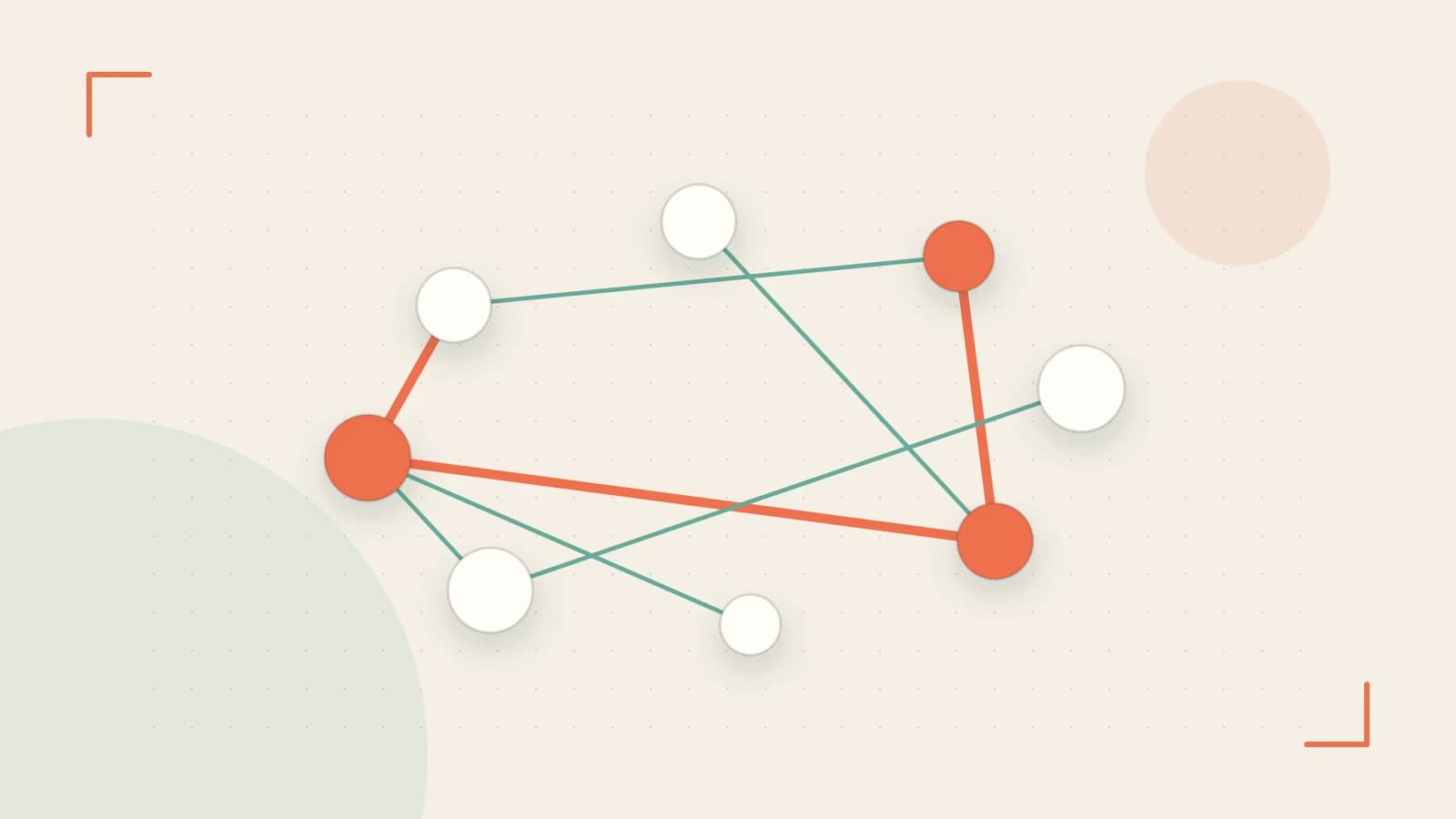
The Xcode build system (introduced in Xcode 10 and standard in current versions) operates as a Directed Acyclic Graph (DAG). This graph maps the relationship between targets, build phases, and individual files. The system splits the process into two distinct stages to optimize performance:
- Build Description (Planning): Xcode analyzes the
pbxprojfile to determine what needs to be built. It creates a plan of execution based on target dependencies. - Build Execution: The system traverses the DAG, executing independent tasks in parallel across available CPU cores.
The Smallest Suitable Design for Incrementalism
To avoid full rebuilds, Xcode uses a combination of file timestamps and content hashes. A target is marked as "up-to-date" only if its inputs (source files, header files, and build settings) have not changed since the last successful output was generated.
For a build to remain deterministic, every input must be explicitly declared. When a developer adds a file to a project but fails to include it in the Compile Sources or Link Binary With Libraries phases, the build system may not track that file as a dependency. This creates a trust boundary gap where the project file claims the state is current, but the filesystem contains changes that should trigger a rebuild.
Trust Boundaries and Data Validation
Xcode maintains a strict boundary between the project configuration (the .xcodeproj) and the toolchain. Before the DAG is traversed, the system performs operational checks to ensure the environment is stable:
- Toolchain Verification: Validation that the selected SDK and compiler paths are accessible.
- Path Validation: The system checks that referenced paths in the project file exist on the disk. If a file is missing, the build fails during the description phase rather than mid-execution.
Failure Modes and Risk Mitigation
Architectural failures in the build system generally fall into two categories:
| Failure Mode | Cause | Result |
|---|---|---|
| Circular Dependency | Target A depends on B, and B depends on A. | The DAG cannot be constructed; build halts immediately. |
| Stale Output | Manual deletion of build artifacts without cleaning. | Xcode may assume a target is up-to-date despite missing binaries. |
| Implicit Dependency | Shell scripts generating files not listed as outputs. | Non-deterministic builds; changes to script inputs are ignored. |
Practical Example: Managing Custom Shell Scripts
Custom shell scripts are the most common cause of build instability because they often bypass the dependency tracker. To ensure a script is deterministic, you must explicitly define Input Files and Output Files in the Build Phase settings.
Configuration Example:
If you have a script that generates a Version.swift file from a JSON config:
- Input Files:
$(SRCROOT)/config/version.json - Output Files:
$(DERIVED_FILE_DIR)/Version.swift
By defining these, Xcode will only execute the script if version.json changes. If you leave these blank, Xcode must either run the script every single time (slowing down builds) or never run it when it should (causing stale code).
Operational Verification
To verify that the build system is behaving as expected, use the Report Navigator:
- Run a build (
Cmd + B). - Open the Report Navigator (the speech bubble icon in the left pane).
- Select the most recent build and expand the logs.
- Look for the
CompileorRun Scripttasks. If a file was not modified, you should see that the task was skipped or marked asup-to-date.
Conditions for Design Change
The current DAG-based approach is sufficient for most monolithic apps. However, a shift toward a Module-Based Architecture (using Swift Packages or XCFrameworks) changes the design requirements. In a modular setup, the build system can cache pre-compiled binaries for stable modules, moving the trust boundary from the local filesystem to a remote binary repository, significantly reducing the size of the DAG that must be evaluated on every developer machine.
Rollback Procedure
If changes to build phases or dependencies cause persistent instability, revert the project file changes via Git. To clear the internal state of the build system and force a full DAG reconstruction, run:
# Run from terminal in project root to clear derived data manually
rm -rf ~/Library/Developer/Xcode/DerivedData/
Risk: This deletes all cached indexes and build artifacts, resulting in a significantly longer subsequent build time.
 xcode
xcode0 replies
A thoughtful contribution can make all the difference. Be the first to share one.