Architecting Apex Platform Cache to Reduce SOQL Overhead
Learn how to implement the Cache-Aside pattern using Apex Platform Cache to reduce SOQL query counts and optimize performance in high-volume Salesforce environments.
01 Jul 2026, 09:08 UTC
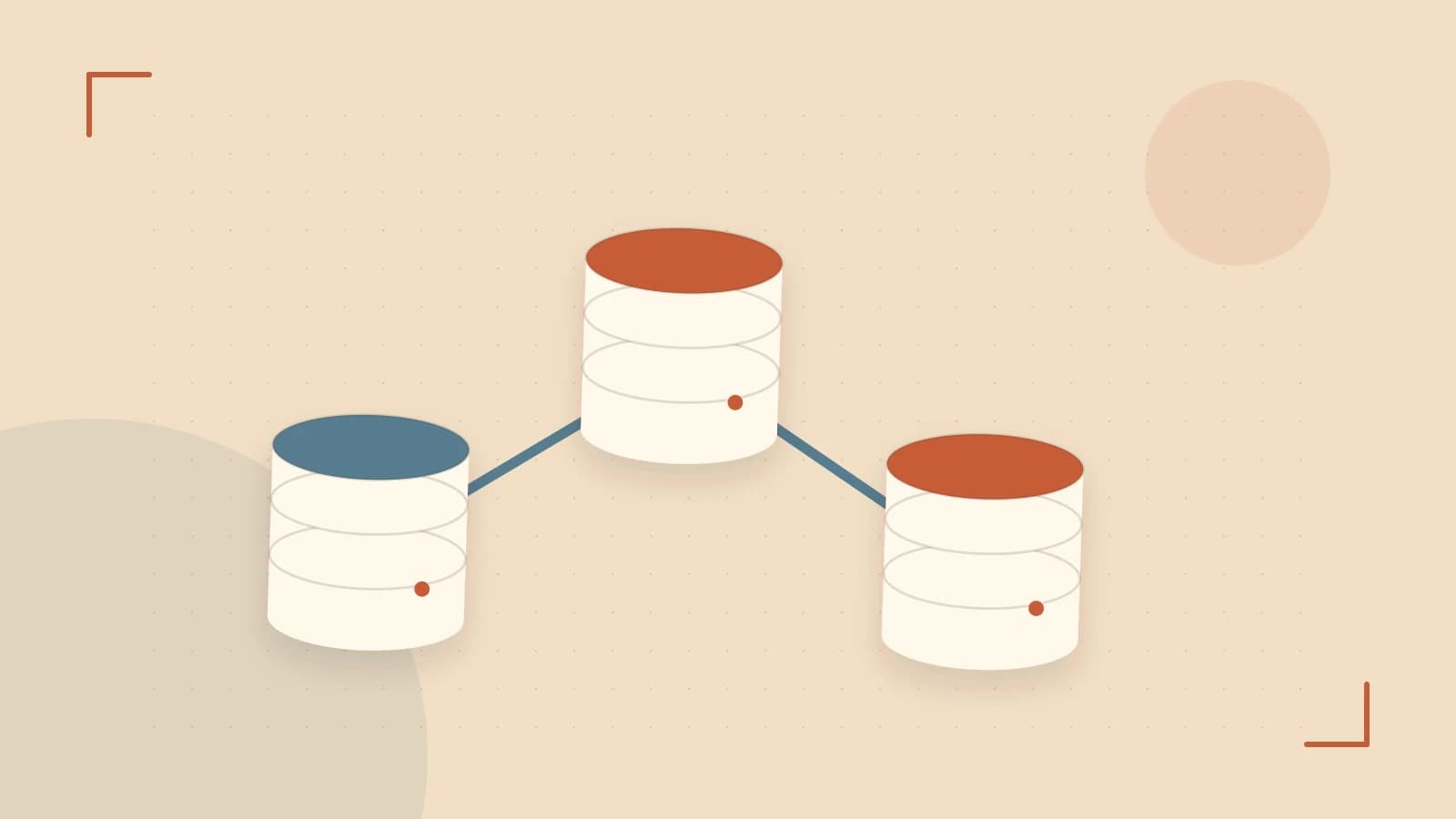
The Problem: SOQL Governor Limit Exhaustion
In complex Salesforce environments, high-volume transactions often hit the 100-query limit because the same configuration data or user settings are fetched repeatedly across different triggers, helper classes, and components. While static variables solve this for a single transaction, they do not persist across separate requests, forcing the system to re-query the database for every single page load or API call.
The takeaway: Use Platform Cache to move read-heavy, slow-changing data from the database layer to an in-memory store, effectively trading memory allocation for SOQL headroom.
Requirements for Cache Implementation
Before implementing a cache, the data must meet specific criteria to avoid introducing consistency bugs:
- Read-Heavy/Write-Rare: The data is queried frequently but updated infrequently.
- Tolerant of Eventual Consistency: The application can handle a short window where the cache is slightly out of sync with the database.
- Small Payload: Data must be serializable and fit within the allocated partition size to avoid frequent eviction.
The Smallest Suitable Design: Cache-Aside Pattern
The most reliable implementation is the Cache-Aside (or Lazy Loading) pattern. The application logic does not rely on the cache to be populated; instead, it treats the cache as an optional optimization layer.
Design Logic
- Check if the required key exists in the Platform Cache.
- If found (Cache Hit), return the data immediately.
- If not found (Cache Miss), execute the SOQL query.
- Store the query result in the cache for future requests before returning the value.
Org Cache vs. Session Cache
| Feature | Org Cache | Session Cache |
|---|---|---|
| Scope | Shared across all users in the org. | Isolated to a single user session. |
| Use Case | Global settings, custom metadata, tax rates. | User preferences, temporary calculation state. |
| Risk | Memory exhaustion if keys are dynamic. | Higher total memory usage across many users. |
Implementation Example
This example demonstrates a service that retrieves a global configuration record. This code assumes a Platform Cache partition named LocalConfig has been created in Salesforce Setup.
public class ConfigService {
    private static final String CACHE_PARTITION = 'LocalConfig';
    private static final String CACHE_KEY_PREFIX = 'GlobalSetting_';

    public static String getSetting(String settingName) {
        String cacheKey = CACHE_KEY_PREFIX + settingName;

        // 1. Attempt to retrieve from Org Cache
        String cachedValue = Cache.Org.get(CACHE_PARTITION, cacheKey);

        if (cachedValue != null) {
            return cachedValue;
        }

        // 2. Cache Miss: Fallback to SOQL
        // Note: Ensure the query is selective to avoid timeouts
        Setting__c setting = [SELECT Value__c FROM Setting__c
                              WHERE Name = :settingName
                              LIMIT 1];

        // 3. Populate cache for 24 hours (86400 seconds)
        Cache.Org.put(CACHE_PARTITION, cacheKey, setting.Value__c, 86400);

        return setting.Value__c;
    }
}
Trust and Data Boundaries
Platform Cache is volatile memory. It is not a database. You must design with the assumption that any piece of data can be evicted by the system at any time to make room for other entries.
Data Boundary Risk: When updating the underlying record in the database, the cache becomes stale. You must implement an explicit invalidation step in your DML logic:
// Run this in the trigger or service layer after an update
Cache.Org.remove(CACHE_PARTITION, CACHE_KEY_PREFIX + updatedSettingName);
Operational Checks and Failure Modes
Verification
To verify the implementation, use the Salesforce Debug Logs. Filter for CACHE_HIT and CACHE_MISS events. A successful implementation should show a high ratio of hits to misses after the initial warming period.
Failure Modes
- Cache Stampede: If a highly requested key expires, multiple concurrent requests may all trigger the fallback SOQL query simultaneously, potentially spiking CPU usage.
- Partition Exhaustion: If you store too many unique keys, the system will evict the least recently used (LRU) items, causing the hit rate to drop and SOQL counts to rise.
- Serialization Errors: Storing complex SObjects can lead to errors if the object structure changes or exceeds size limits. Prefer storing primitive types or simple DTOs (Data Transfer Objects).
Conditions for Design Change
The Cache-Aside design should be reconsidered if:
- Real-time consistency is required: If a 1-second delay in data propagation is unacceptable, you must move to a synchronous update pattern or avoid caching.
- Data volume exceeds partition limits: If the dataset is too large for memory, consider using Custom Metadata Types or Custom Settings, which are cached natively by the Salesforce platform without manual Apex management.
Rollback Procedure
Because this design uses a fallback mechanism, rolling back the cache involves removing the Cache.get() and Cache.put() calls. The system will revert to standard SOQL behavior without data loss, though it may increase the risk of hitting governor limits.
 apex
apex0 replies
A thoughtful contribution can make all the difference. Be the first to share one.